[S]
A bullet journal for the browser

Plain text. Plain dates. Plainly yours.

ShortJo is a keyboard-first bullet journal that lives in your browser. No account. No tracking. No cloud you don't already own. Type . milk for a task, - idea for a note, and get on with your day.

Start Journaling  → No sign-up. Opens instantly.
[ ]
Install it. Don't manage it.

ShortJo installs as an app on your phone or tablet — no App Store, no permissions creep, no update prompts. Tap Share → Add to Home Screen on iOS, or Install App on Android Chrome. It works offline. It opens instantly.

</>
Sync across every device. Free.

Write on your phone, review on your Kindle, back up automatically to your own Google Drive or Dropbox. The file is plain text you can read without ShortJo. Sync is free — not because we're generous, but because it's your Drive doing the work.

/=/
See your year in one view.

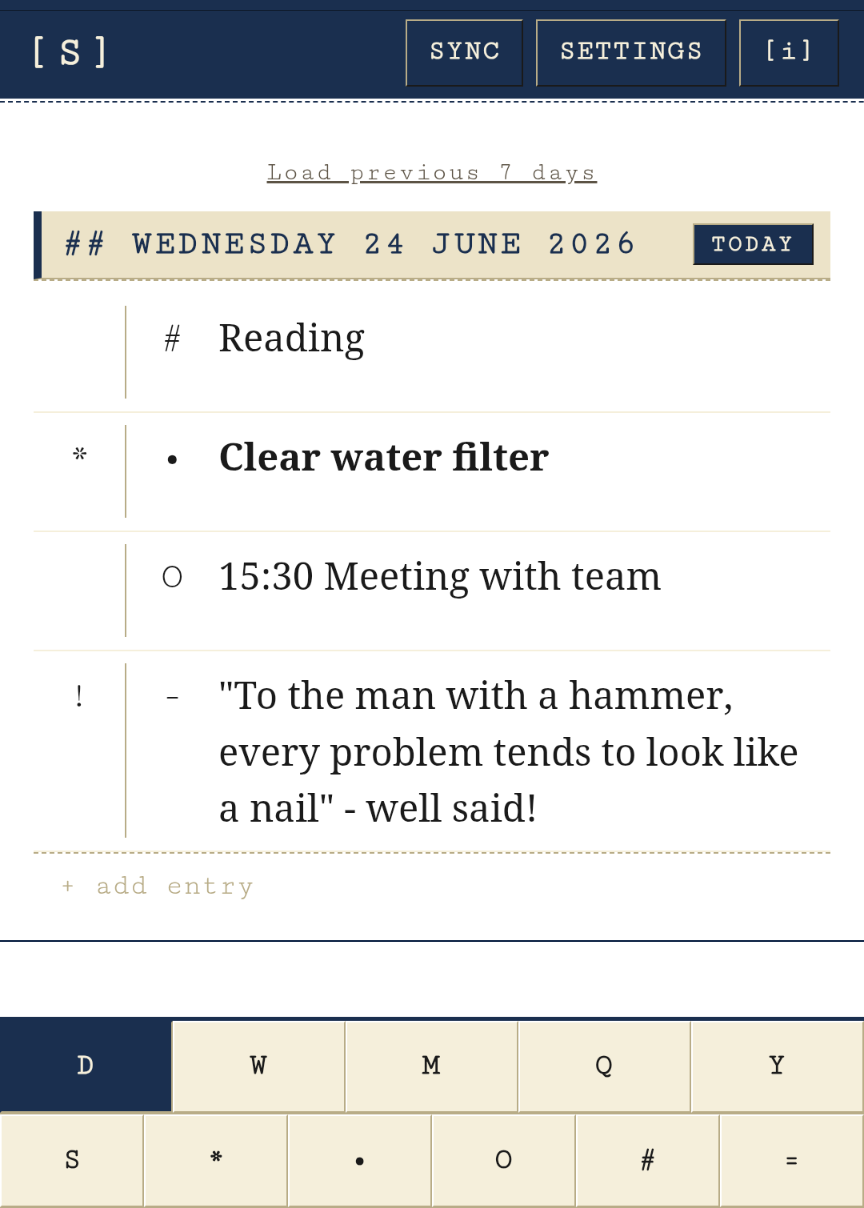
Day, Week, Month, Quarter, Year — jump between them with one tap. See how many tasks you completed this quarter, which habits stuck, what you were thinking in March. The log gets more useful the longer you keep it.

The bullet-journal method, typed at speed.

Ryder Carroll's bullet journal in four symbols, mapped to four keys. Designed for thumbs on a phone or eight fingers on a keyboard. Same muscle memory, either way.

01
Open shortjo.com

It loads in under a second. Today's log appears, ready to type. Nothing to configure.

02
Type a symbol, then the thing

One character, one entry type. Press enter to file it under today.

. call accountant   (task)
- rain on the skylight   (note)
O 3pm dentist   (appointment)
# walked 8000 steps   (habit)
03
Migrate, schedule, look back

Jump to Week, Month, Quarter or Year with one tap. Unfinished tasks roll forward. Habits build streaks. Pinned notes float to the top.

04
Sync to your own cloud — or don't

Settings › Connect Drive or Dropbox. ShortJo writes plain text files into a folder you own. We never see them. Skip this step entirely and everything stays in your browser.

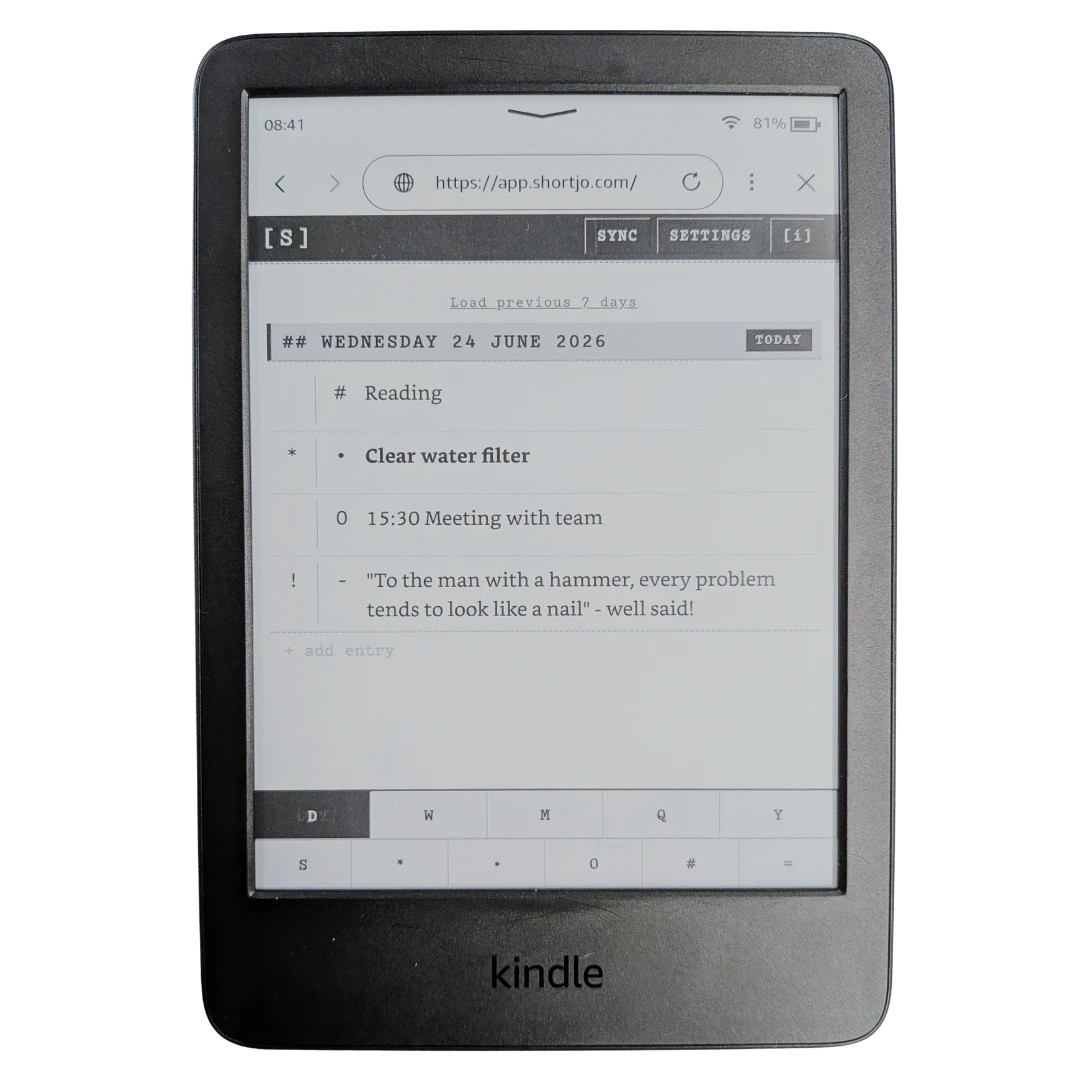
Yes, it really works on a Kindle.

ShortJo renders cleanly on most Kindle e-readers with a browser — Basic, Paperwhite, Scribe. High contrast, no animations, no fixed pixel zoom traps. If you've ever wanted a notebook that runs on the same device as your novels, here it is.

Tested on Kindle 2024 web browser.

SHORTJO SETTINGS MON 25 MAY 2026 TODAY . ship landing page x reply to dad - moss on the north wall @ 3pm dentist # walk 8.2k steps * read 30 pages SUN 24 MAY . collect lemons from the tree - the fog burned off by ten DAY WEEK MONTH QTR YEAR + TASK + NOTE + APPT + HABIT >> . ship landing page|

Six core symbols. Make them yours.

The defaults get you started. Every symbol is customisable in Settings — remap them to suit your own shorthand.

.Task
Something to do. Strike it through when done, migrate when not.
-Note
An observation, a quote, a fragment. The stuff between the tasks.
OAppointment
Something that happens at a time. Surfaces in Upcoming.
#Habit
A daily count or check. Builds streaks; shows up in Quarterly.
*Pinned
Floats to the top of the month, quarter, year. For the things worth remembering.
=Collection
A tagged thread that cuts across time. Books read, films seen, dreams.

Free. As in free.

ShortJo is free — sync included. There are no tiers today.

If paid features arrive one day — AI assistance is on the roadmap — they'll be optional extras. The core journal and sync stay free. Always.

Start Journaling  →
No card. No account. No data leaves your device unless you connect a cloud.